
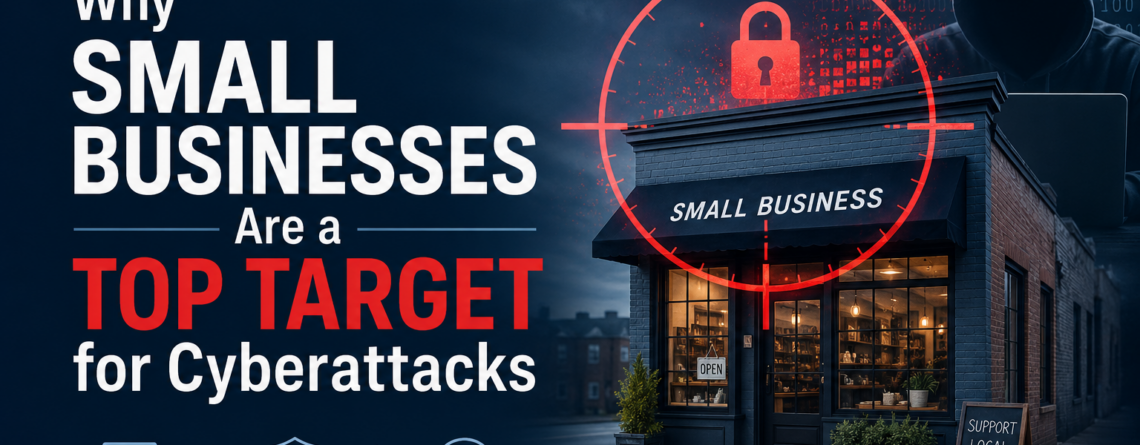
Small Business Cybersecurity: A Practical Guide
Small business cybersecurity is no longer optional — it’s a survival requirement. There’s a persistent myth that small companies are too insignificant to attract cybercriminals, but the reality tells a very different story. Attackers actively seek out small businesses precisely because they tend to have weaker defenses, less oversight, and fewer dedicated IT resources. Understanding that risk is the first step toward doing something about it.
Why Small Business Cybersecurity Is a Growing Concern
According to the Verizon Data Breach Investigations Report, small and mid-sized businesses account for over 40% of all cyberattack victims each year. Cybercriminals aren’t always chasing the biggest score — they’re often chasing the easiest one. Small businesses frequently run outdated software, rely on basic or no antivirus protection, and lack dedicated IT staff to monitor for threats. That combination makes them an attractive, low-effort target.
In fact, attacks rarely announce themselves. Most breaches start quietly: a phishing email tricks an employee into surrendering login credentials, a weak password leaves a cloud account exposed, or ransomware slips in through an unpatched vulnerability. Once inside a network, attackers can move undetected for weeks or months before the damage surfaces.
What a Cyberattack Really Costs Your Business
The financial impact of a cyberattack goes well beyond the immediate incident. The average cost of a data breach now exceeds $120,000 for small businesses. That figure includes downtime, lost productivity, recovery costs, and potential regulatory fines. For many small businesses, that figure alone is enough to force permanent closure.
Beyond the dollars, there’s the damage to client trust. If attackers expose customer data — names, payment information, email addresses — the reputational fallout can linger long after the technical problem is resolved. In industries like healthcare, legal, or finance, a breach can also trigger compliance consequences under regulations such as HIPAA or CCPA.
The Most Common Cyber Threats Targeting Small Businesses
Phishing and Business Email Compromise (BEC): Attackers send convincing emails impersonating vendors, executives, or banks to trick employees into transferring money or sharing credentials. BEC scams alone cost U.S. businesses billions annually.
Ransomware: Malicious software encrypts your files and demands payment for the decryption key. However, even if you pay, there’s no guarantee you’ll get your data back — and you’ve now funded future attacks.
Credential Stuffing: Attackers test leaked usernames and passwords against other services. If employees reuse passwords across platforms — and statistically, many do — one stolen credential can open multiple doors.
Unpatched Software: Outdated operating systems and applications contain known vulnerabilities that attackers actively exploit. Delaying updates is one of the most common and avoidable mistakes small businesses make.
Small Business Cybersecurity: Practical Steps You Can Take Now
The good news is that meaningful protection doesn’t require an enterprise-level budget. Most small businesses can significantly reduce their risk by addressing a handful of fundamentals. Additionally, working with a dedicated cybersecurity provider can help accelerate your defenses.
Getting the Foundations Right
1. Enable Multi-Factor Authentication (MFA) Everywhere MFA requires users to verify identity with a second factor in addition to their password. This is typically a code sent to a phone or generated by an authentication app. Even if a password is stolen, MFA stops most unauthorized logins cold. Enable it on email, cloud storage, accounting software, and any remote access tools.
2. Train Your Employees Regularly Human error drives the majority of successful cyberattacks. Regular, brief training sessions that teach employees how to spot phishing emails, handle suspicious requests, and report potential incidents go a long way. Monthly five-minute reminders can shift behavior meaningfully over time without disrupting the workday.
3. Maintain Offsite, Encrypted Backups A reliable backup strategy is your safety net when everything else fails. Follow the 3-2-1 rule: keep three copies of your data, on two different types of media, with one stored offsite or in the cloud. Test your backups periodically — a backup you’ve never restored is a backup you can’t trust.
Strengthening Your Defenses Further
4. Keep Software and Systems Updated Enable automatic updates where possible, and establish a schedule for reviewing and applying patches to business-critical software. This single habit closes the door on a large category of known exploits.
5. Segment Your Network If your guest Wi-Fi runs on the same network as your point-of-sale system or file server, a compromised guest device can potentially reach your most sensitive data. As a result, segmenting networks limits how far an attacker can move if they do get in.
6. Have an Incident Response Plan Know what you’ll do before something happens. Who do you call? How do you isolate an infected machine? Who notifies customers if data is exposed? A simple, written plan shared with key staff can dramatically reduce chaos and recovery time during a real incident.
Small Business Cybersecurity Is an Ongoing Practice, Not a One-Time Fix
The threat landscape shifts constantly. New phishing techniques, new malware variants, and new vulnerabilities emerge every week. Treating small business cybersecurity as a one-time project — rather than an ongoing practice — is one of the most dangerous assumptions a business owner can make.
Regular security assessments, continuous monitoring, and periodic policy reviews aren’t luxuries reserved for large enterprises. In fact, they’re baseline requirements for any business that stores client data, processes payments, or relies on technology to operate — which, today, is virtually every business.
In summary, building layered defenses, educating your team, and having a recovery plan in place gives your business the resilience to face threats head-on rather than scrambling after the fact.
This article is intended for informational purposes. If you have questions about your organization’s specific security posture, consult with a qualified IT security professional.









Leave a Reply